Improve Attendee Support with Attendee Self-Management
Performance Changes, Seat Swaps, & Deferrals Contents
Attendee support takes a lot of time, and it’s as important as the customer experience you’re delivering at your rodeo.
After all, every point of interaction a fan has with your rodeo is part of their experience.
Improve your attendee support experience while decreasing the amount of time you have to dedicate to ticket changes.
With Rodeo Ticket’s tools, you can maintain your policies and allow your fans to make changes to their order without having to contact you.
- Performance Changes, Seat Swaps, & Deferrals
- Question Answer Edits
- Ticket Forwarding
- Ticket Reselling
- Referral Refund Program Redemption
Performance Changes, Seat Swaps, & Deferrals
If you allow performance changes, seat swaps, and deferrals, let your attendees manage those changes themselves.
Attendees can review and manage their orders by clicking the “Manage Order” button in their confirmation emails. The only changes they can make are the ones you’ve allowed.
With Rodeo Ticket’s software, you can turn on permissions to allow people to change their tickets to a different night, get different seats, upgrade tickets, or even defer their tickets to next year.
Customize each your settings for each type of change:
- Deadlines for changes
- Fees for changes
Of course, our system only permits changes based on availability. If all of your tickets have sold, your attendees won’t be able to switch their tickets.
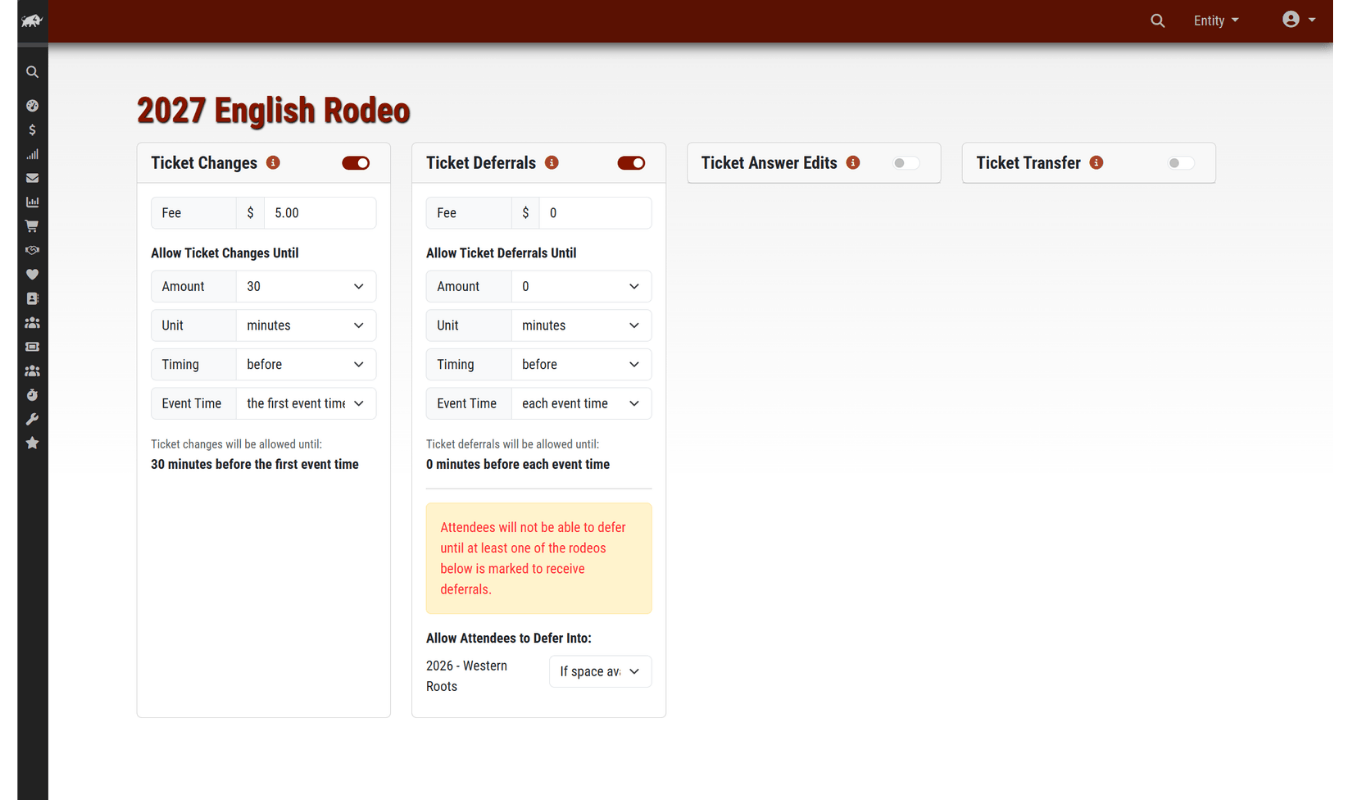
When you need to focus on operations during rodeo week, you won’t have attendees calling trying to make last minute changes – they can manage those changes themselves.
Question Answer Edits
If you ask your attendees questions as part of their order, you can allow them to review their answers and change them from the “Manage Order” button in their confirmation email.
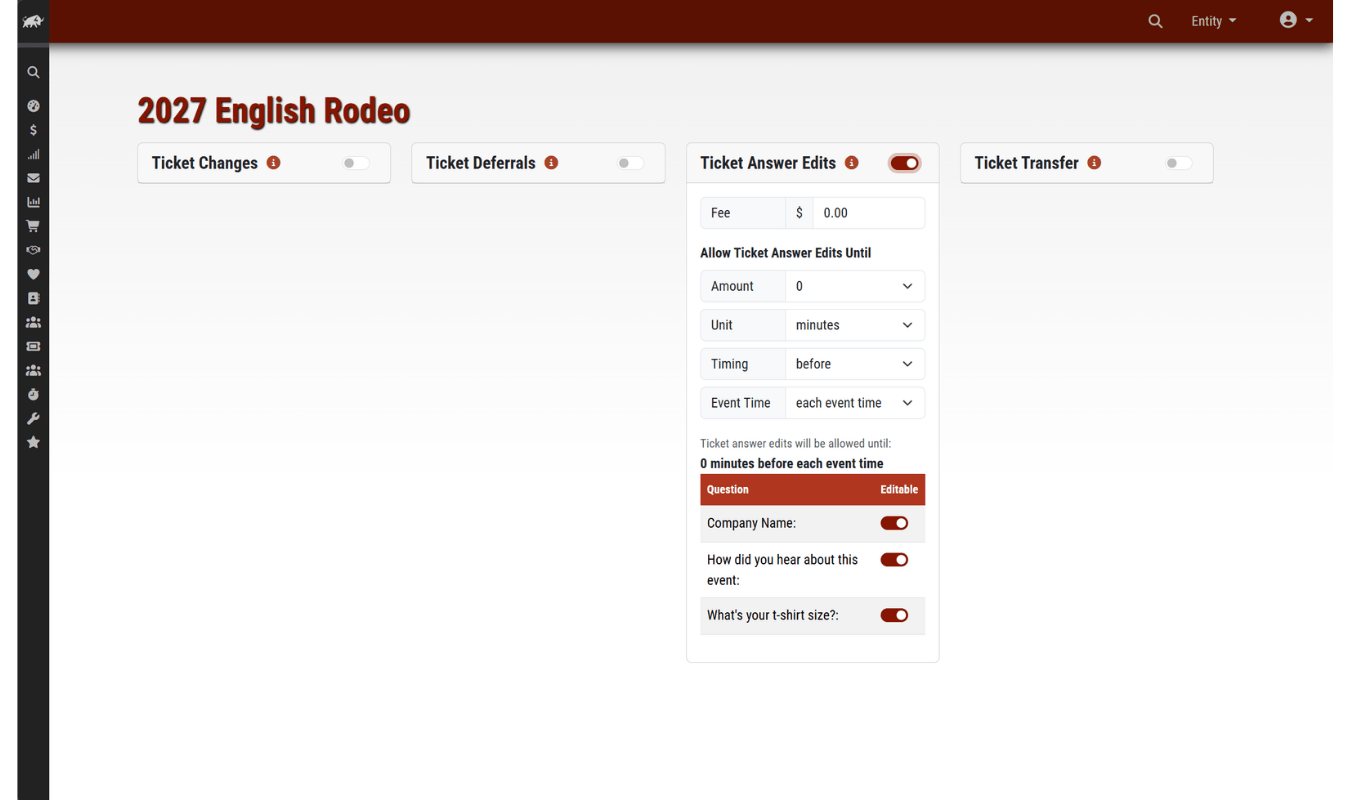
You’ll cut down on the amount of time you spend on the phone helping your clients with their orders, so you can spend more time on creating a great rodeo experience and selling more tickets.
Ticket Forwarding
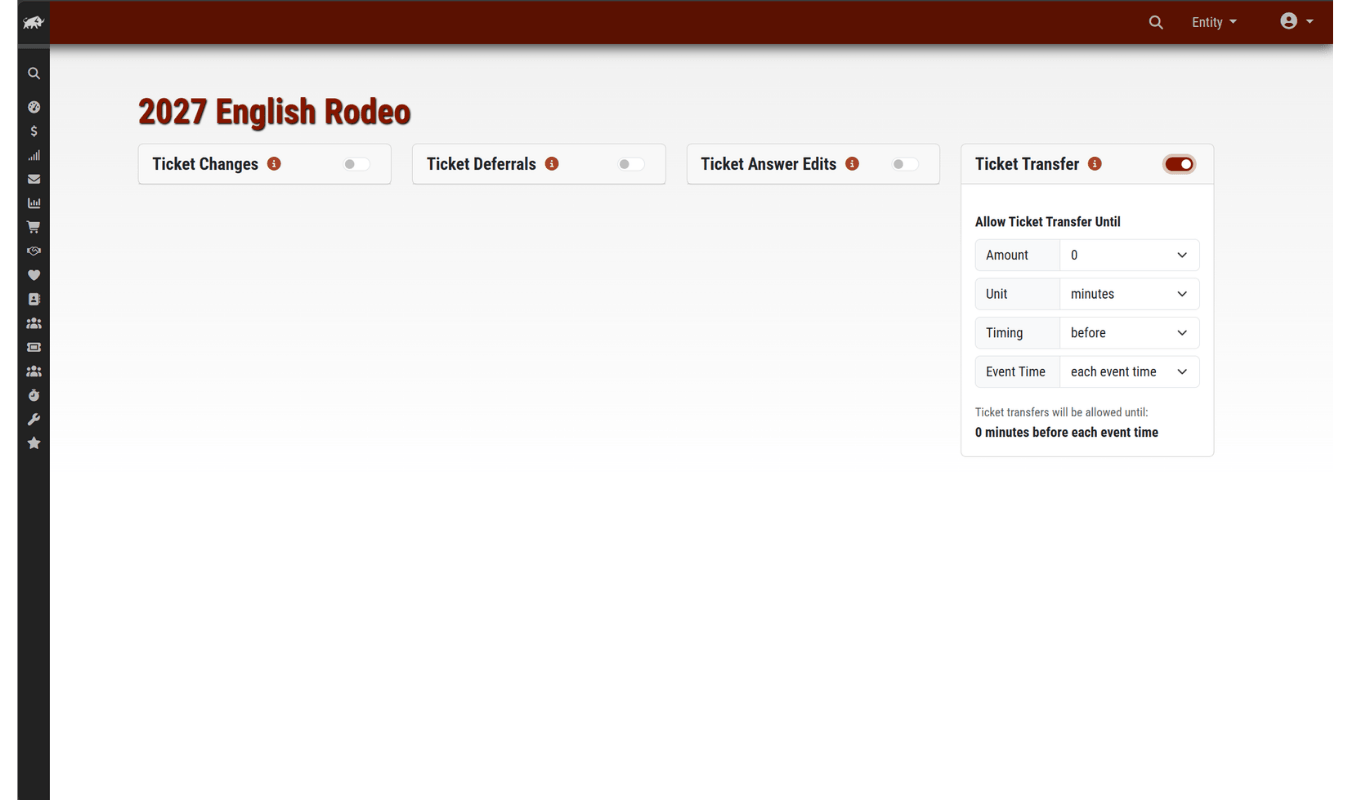
Rodeo Ticket also makes it easy for your attendees to buy tickets for their group and forward them to their friends.
With ticket forwarding, your attendees can arrive at different times than their friends without having to come back to the gate to scan the additional tickets later. It also helps you keep lines moving at the gate because you can reduce the number of people waiting for their friends and family to get there before getting in line.
Ticket Reselling
If you allow attendees to resell their tickets, they can manage what tickets of theirs they put up for resale. You can set permissions, deadlines, and fees for ticket resales. You can also set price floors and ceilings, too. Tickets that attendees are reselling are posted to your normal ticketing page so buyers know the tickets are legitimate.
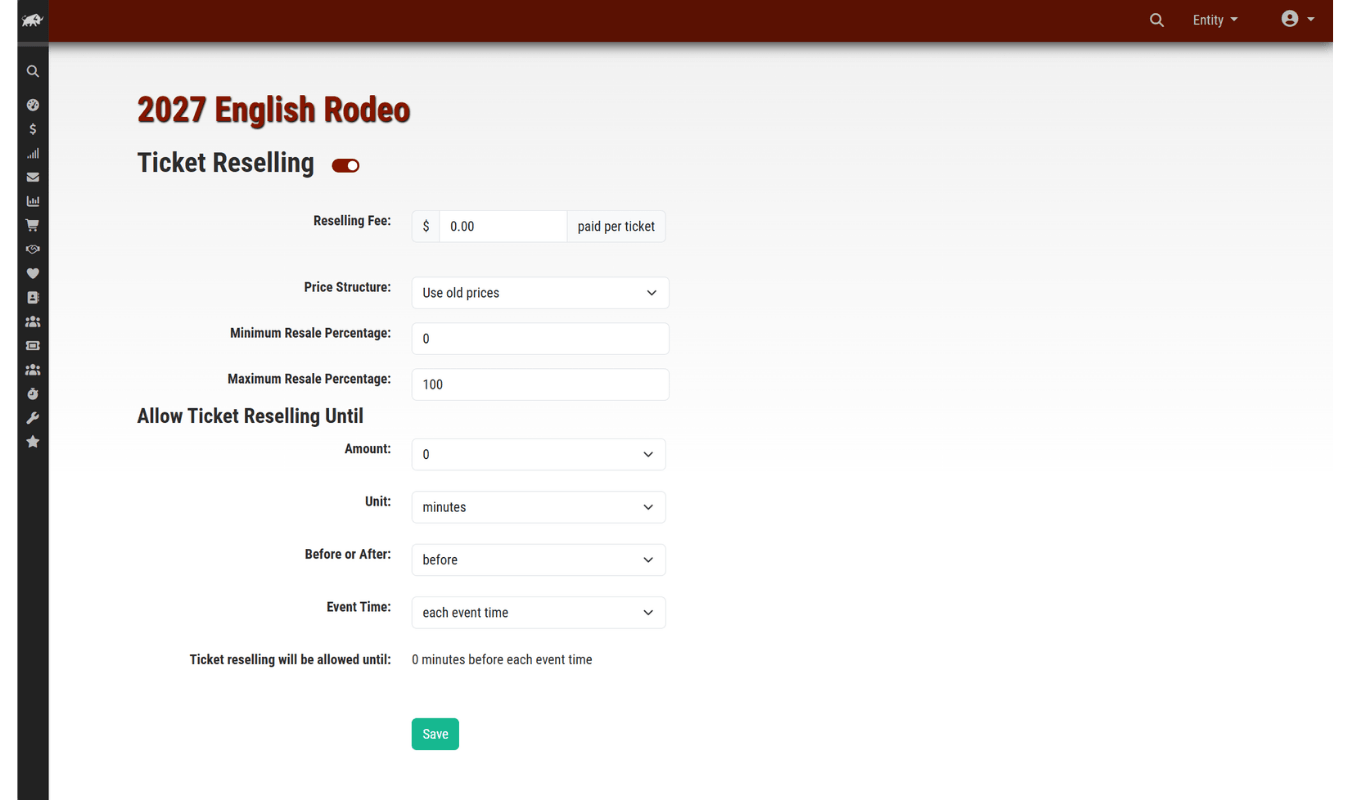
Allowing reselling on your ticketing page can be a strategy for dealing with scalpers and chargebacks, check out more strategies to fight scalping and chargebacks.
Referral Refund Program Redemption
With attendee self-management, you can also grow your rodeo without creating extra work for yourself.
Create a custom referral refund program for your attendees. Create refund incentives for your attendees for every additional ticket they help you sell. Customize your per-ticket refund amount, and attendees can get up to their full order refunded for helping you sell more tickets.
Once you determine your per-ticket refund amount, you don’t have to do anything else. Our system automatically tracks your referral program success and attendees manage their refunds from their “Manage Order” page.



