Guide: Copy Rodeo
Everything gets easier the more you do it.
That’s why once you’ve sold tickets online with Rodeo Ticket, it’s super easy to set up sales for next year or even sell tickets for other events at the same venue.
Even if you're not ready to open ticket sales, it's still worth creating and linking to your ticketing page. You can start gathering emails for all the people interested in your rodeo, and they'll get an email when ticket sales open. And, you'll have a great opening day!
Here’s your step-by-step guide to copying your rodeo:
1. Start by logging into your account.
2. Click your rodeo for the current year.
3. From the dashboard view, click “Copy Rodeo”. This link is just blow your rodeo title, next to the "Website Links" button.
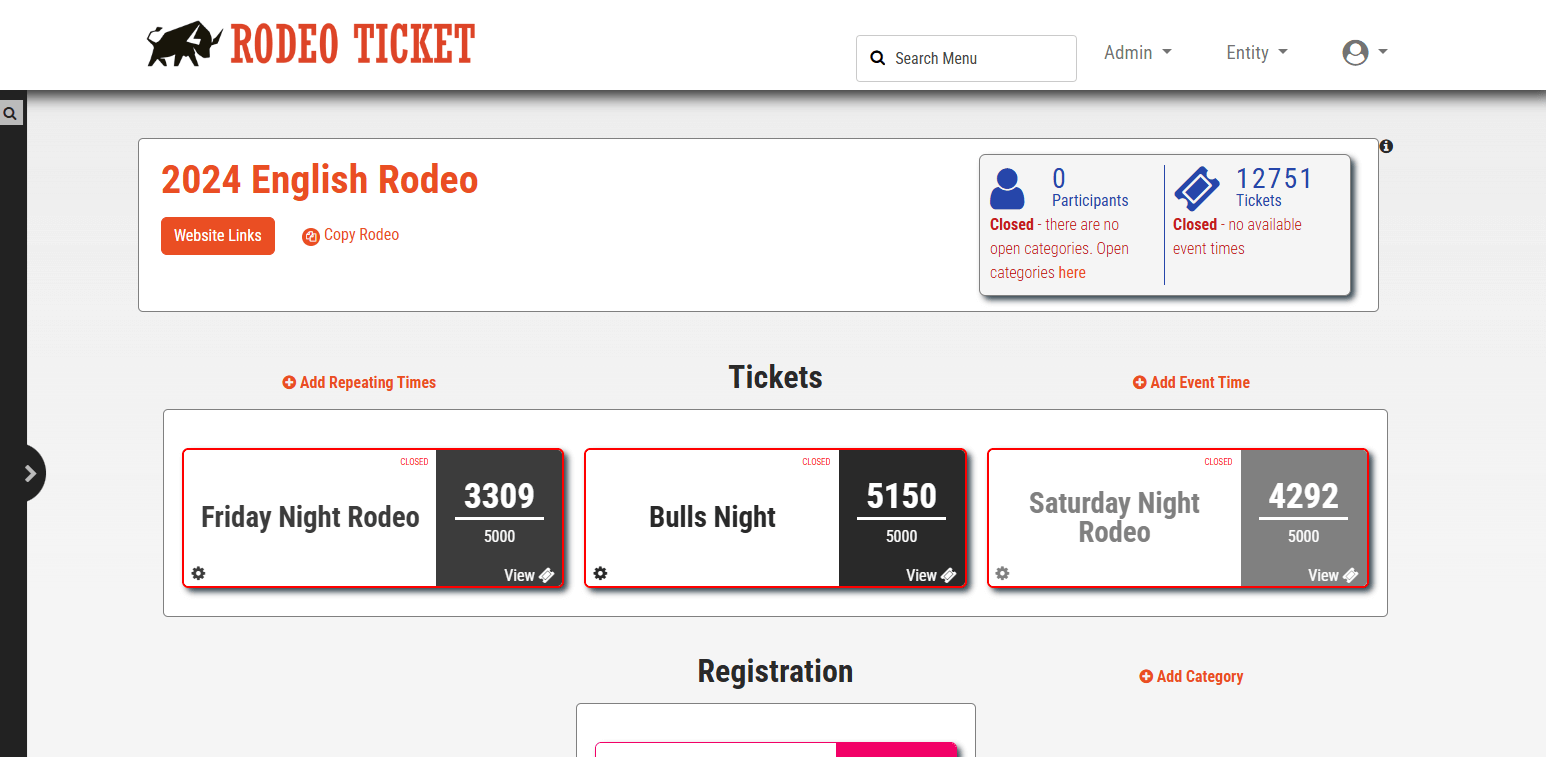
4. Select how to copy your rodeo from the dropdown menu: Copy to next year or Copy to different event. Copying to the next year makes it easy to keep the information from this year for next year’s rodeo. Copying your rodeo to a different event at the same venue makes it easier to manage your seating map.
5. If you’re copying to a different event, add the event name and select which forms you need: Registration, Ticketing, Both, or Neither (Calendar Listing).
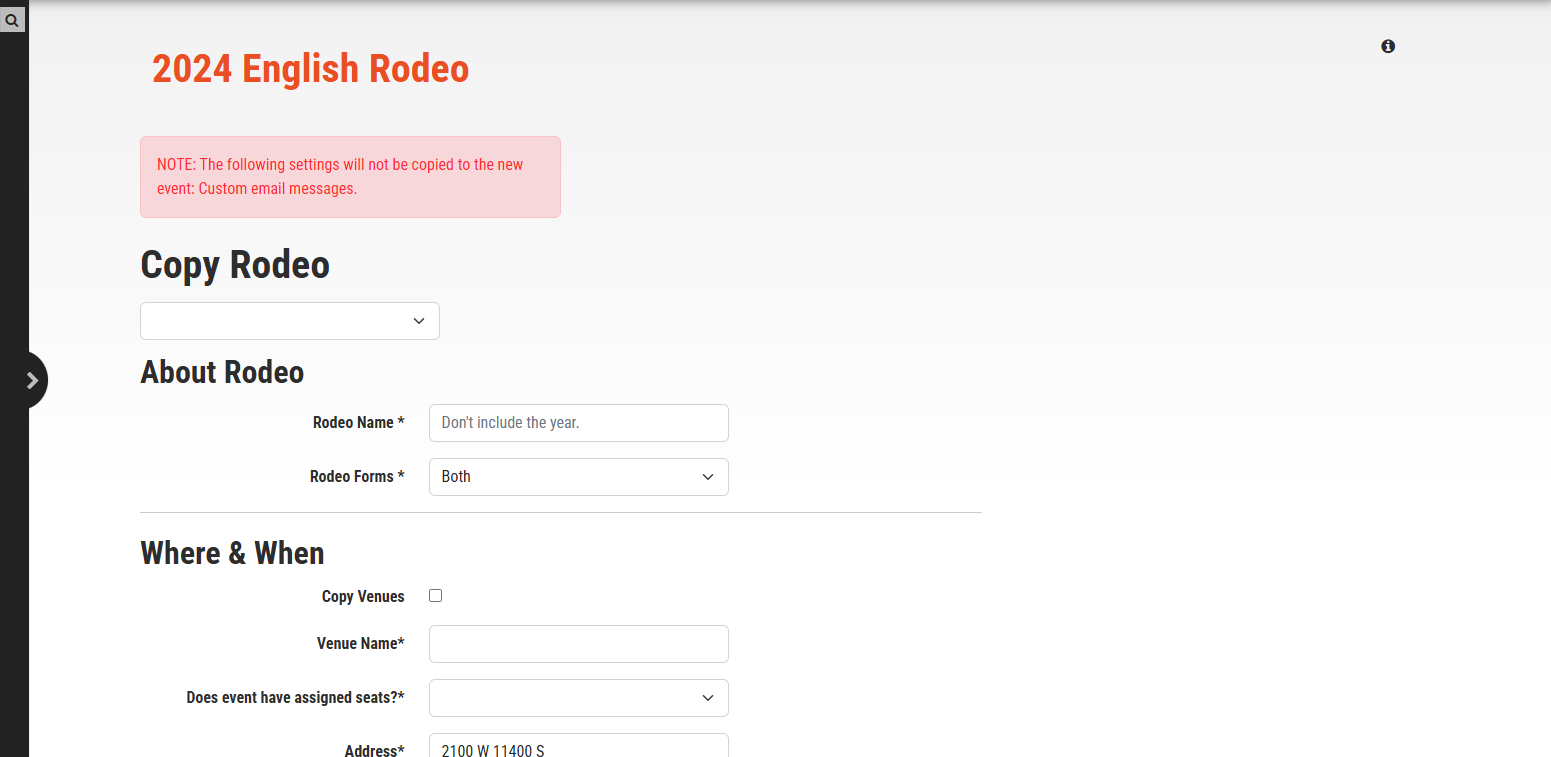
6. Next, you’ll be verifying the information for the event.
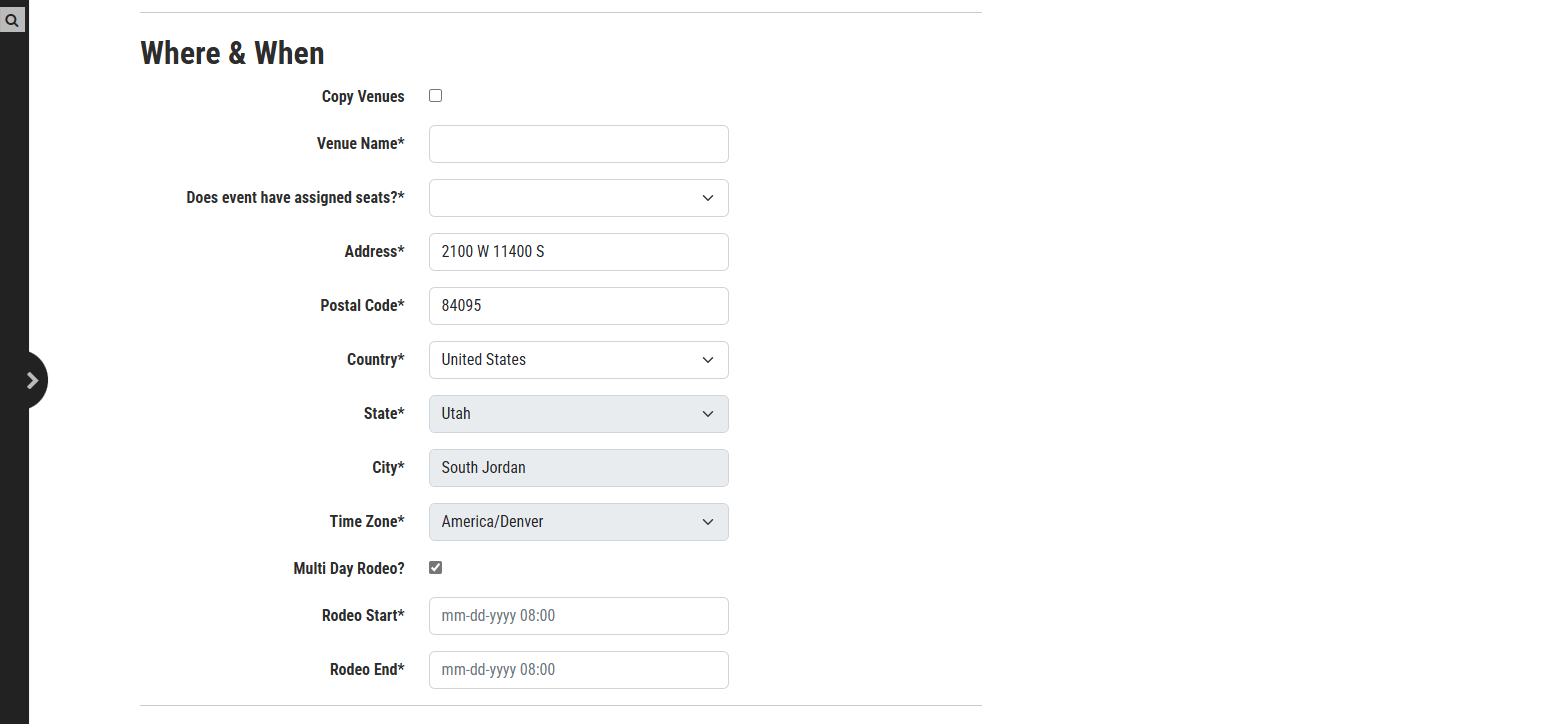
7. Under “Where & When”, select the “Copy Venues” button if you’re using the same venue. Otherwise, you’ll add the information for your new venue.
8. Add the dates for your rodeo.
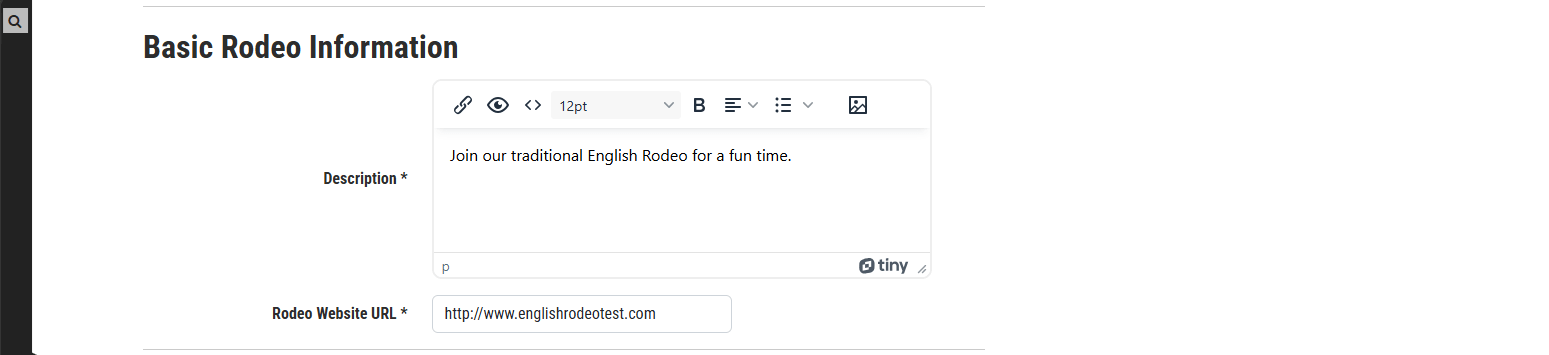
9. Under “Basic Rodeo Information”, update the description with all the accurate information for the event. If you’re copying your rodeo to next year, be sure to remove old pricing information and dates.
10. Verify your contact information. If you’re managing the new rodeo with the same team, be sure to check “Copy Users.”

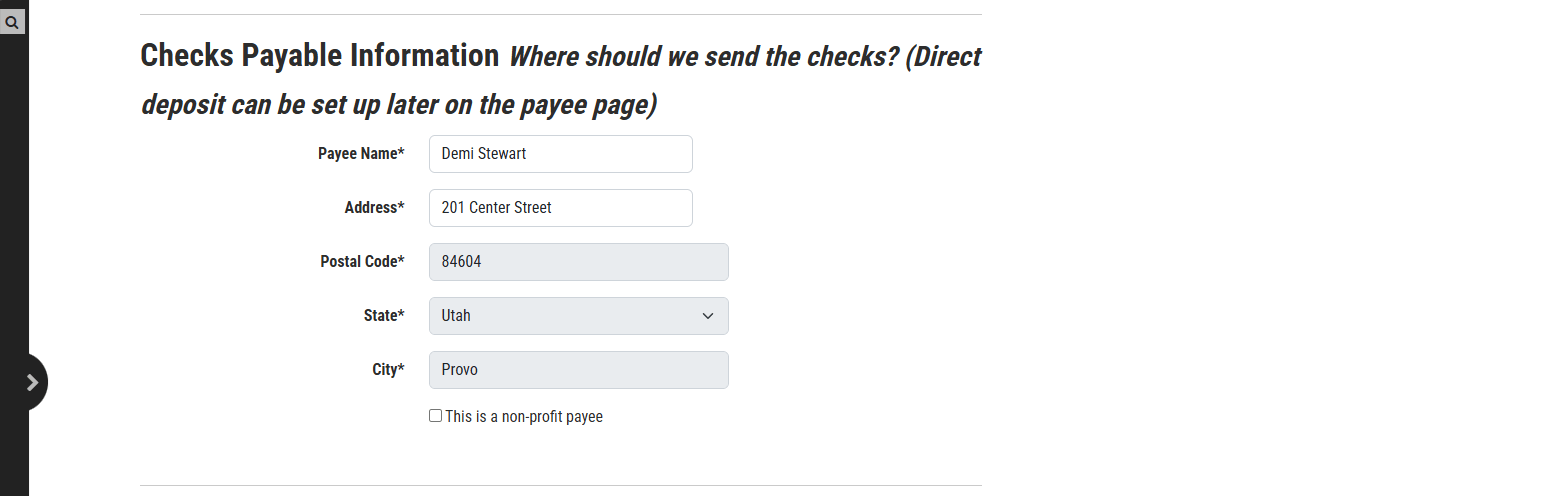
11. Verify the payee information.
12. If you’re doing registration for Mutton Bustin' or another event, update the registration waiver, open and close dates, and categories. If you’re using the same categories as last year, you can copy existing categories.
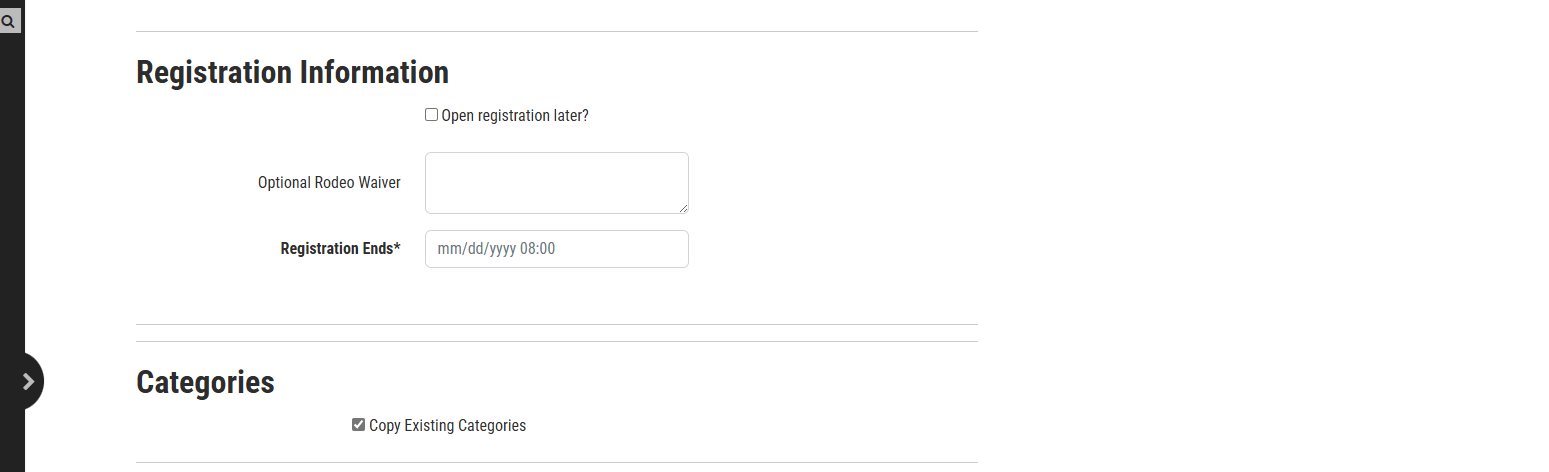
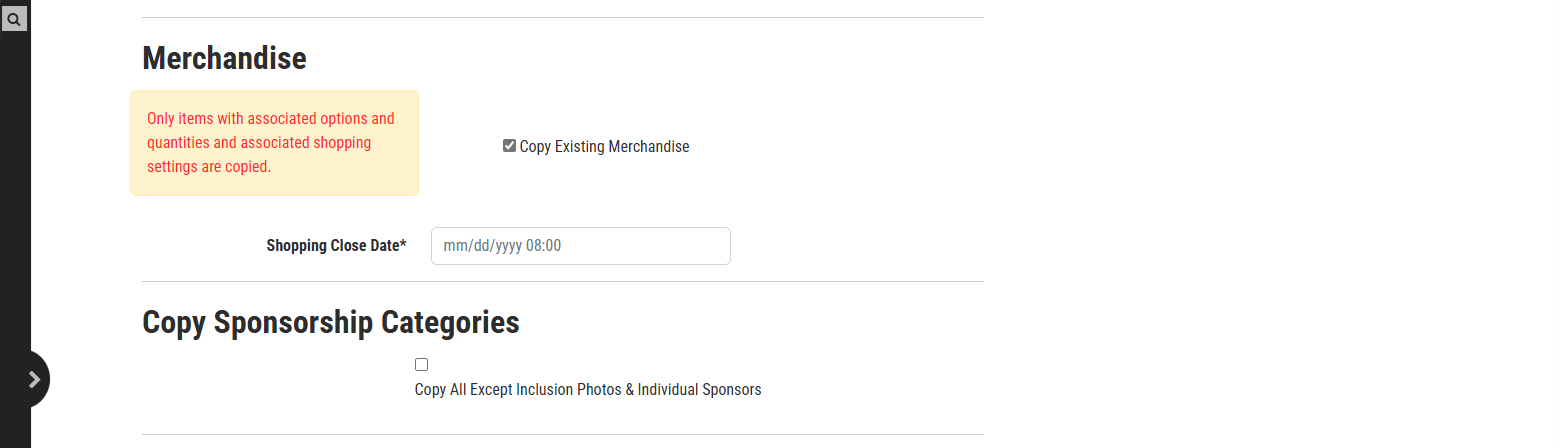
13. Decide if you want to copy existing merchandise, and select the date merchandise sales close.
14. If you’re creating a new rodeo and using the same sponsorship categories, you can also copy your sponsorship structure.
15. If your rodeo is associated with one of the companies listed under “Company Information,” select that company.

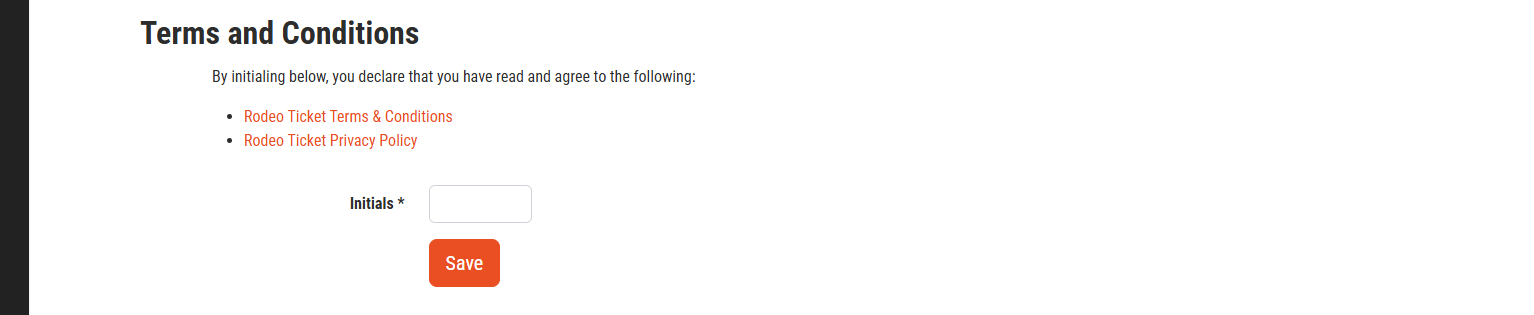
16. Review and agree to the terms and conditions. And, then you’re ready to get started!
Questions? Email support@rodeoticket.com or call 385-212-4045



